
You’ve clicked a link, waited for the page to load… and instead you’re hit with a message that says “404 Page Not Found.” Annoying, right?
If you’ve ever wondered what is a 404 error, why it happens, or whether it hurts your website or Google rankings, you’re in the right place. In this guide, we’ll break down what a 404 error code is, how it works, and what to do when you encounter one—without the tech jargon overload.
What Is a 404 Error?
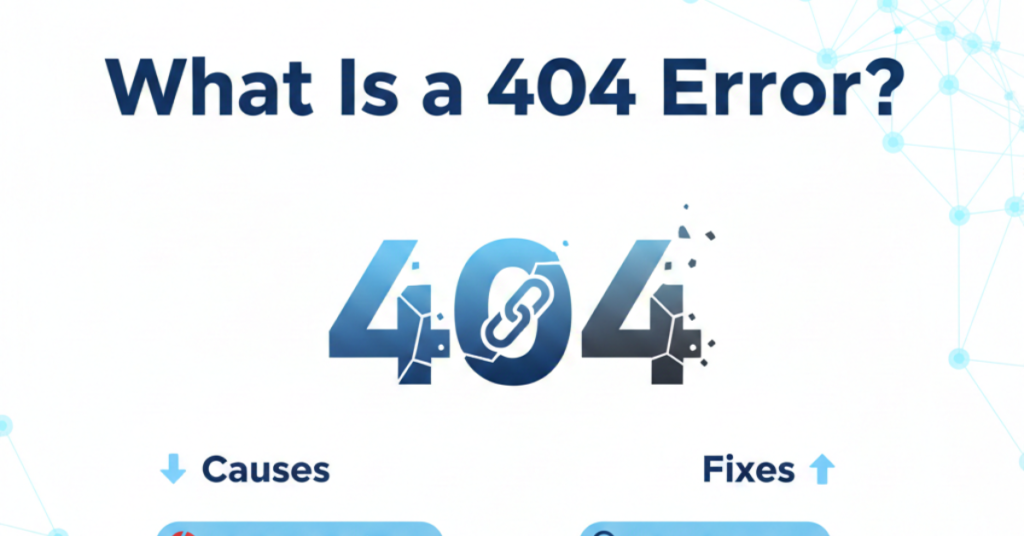
A 404 error is an HTTP status code that means the server was reached, but the requested page could not be found.
In simpler terms:
-
Your browser asked for a page
-
The server understood the request
-
The page doesn’t exist at that location
That’s why it’s commonly called “404 Page Not Found.”
What Is a 404 Error Code?
The 404 error code is part of a larger system called HTTP status codes, which are used by web servers to communicate with browsers.
Here’s how the code breaks down:
-
4xx errors = client-side issues
-
404 = the specific page is missing or unavailable
Unlike server errors (like 500 errors), a 404 means the website itself is working—just not that particular page.
What Is a 404 Error on Google?
A 404 error on Google occurs when Googlebot tries to crawl a page that no longer exists or was moved without a proper redirect.
This can happen when:
-
A page is deleted
-
A URL is changed
-
An internal or external link is broken
Google doesn’t automatically penalize your site for 404 errors, but too many unresolved 404s can hurt user experience and SEO performance over time.
Common Causes of 404 Errors
404 errors are surprisingly easy to trigger. Some of the most common causes include:
-
Mistyped URLs
-
Deleted or unpublished pages
-
Changed page slugs without redirects
-
Broken internal links
-
Outdated external links
Even large, well-maintained websites run into 404 errors occasionally.
Is a 404 Error Bad for SEO?
Short answer: not always, but it depends on how you handle it.
When 404 Errors Are Fine
-
The page was intentionally removed
-
There’s no replacement content
-
The page never had SEO value
When 404 Errors Hurt SEO
-
Important pages return 404s
-
High-traffic URLs are broken
-
Internal links lead to dead pages
-
Users keep bouncing due to errors
How to Fix a 404 Error on Your Website
Fixing a 4o4 error usually isn’t complicated. Here are the most effective solutions:
1. Set Up 301 Redirects
Redirect missing pages to:
-
A relevant replacement page
-
A category page
-
The homepage (as a last resort)
2. Restore the Deleted Page
If the page was removed by mistake, restoring it is often the best fix.
3. Fix Broken Links
Audit your site and update:
-
Internal links
-
Navigation menus
-
Old blog references
4. Create a Helpful Custom 404 Page
A good 404 page should:
-
Explain what happened
-
Offer navigation options
-
Include a search bar
-
Keep users on your site
How to Find 404 Errors on Your Site
You can detect 404 errors using tools like:
-
Google Search Console
-
Website crawlers (e.g., Screaming Frog)
-
Analytics tools
-
Server logs
Best Practices for Handling 404 Errors
To keep your site healthy and user-friendly:
-
Monitor crawl errors regularly
-
Use redirects wisely
-
Avoid redirect chains
-
Keep internal links updated
-
Design a user-focused 404 page
Frequently Asked Questions About 404 Errors
What is a 404 error in simple terms?
A 4o4 error means the webpage you’re trying to visit doesn’t exist at that address.
What is a 404 error on Google Search Console?
It’s a report showing URLs Google tried to crawl but couldn’t find.
Does a 404 error mean the website is down?
No. The site is working—the specific page is missing.
Should I redirect all 404 errors?
No. Only redirect pages that have relevant replacements or SEO value.
How long does Google take to remove 404 pages?
It varies, but Google usually drops them after repeated crawls confirm the page is gone.
Conclusion: Understanding 404 Errors the Right Way
Now that you know what a 404 error is, how the 404 error code works, and what a 404 error on Google really means, you’re better equipped to manage them confidently. 404 errors aren’t inherently bad—but ignoring them is. With proper monitoring, smart redirects, and a helpful user experience, you can turn potential problems into opportunities for better SEO and engagement.